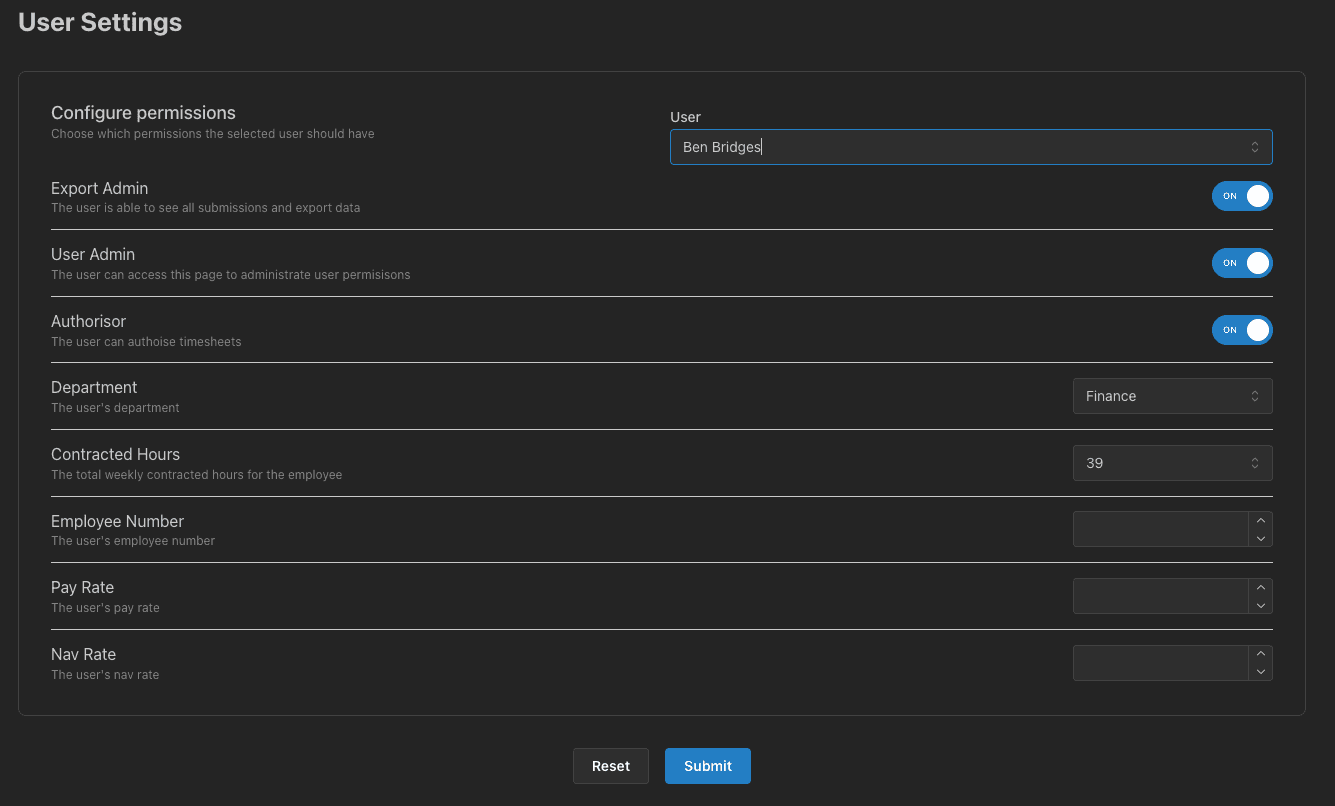
Users
If a user needs to be added, they must first have a Microsoft account created by IT. This should be done as part of the onboarding process.
Once a user has been created by IT, they will appear for selection in the User autocomplete field. Select a user and any properties already set will appear below.
Make any required changes and click Submit to save.
💡
A link to this page will only be present in the navigation menu if you have export permissions!