Navigation
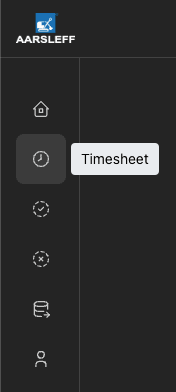
Moving arround the app looks slight different on a PC vs a mobile device. On a PC, please use the icons on the left hand side of the screen to navigate. Hovering over an icon will show a label informing you of where the button will take you. You may have more or less icons than shown below depending on your permissions.
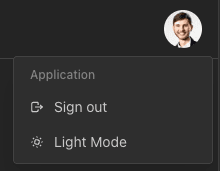
You will also find some settings and the logout button in the top right corner by clicking on you user avatar:
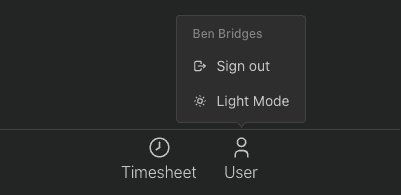
On mobile, the navigation bar is at the bottom of your screen. Again, the user button provides you with access to some settings and the logout button: