Login
When opening the app you will need to log in. To do so, please click the Sign In button towards the middle of your screen.
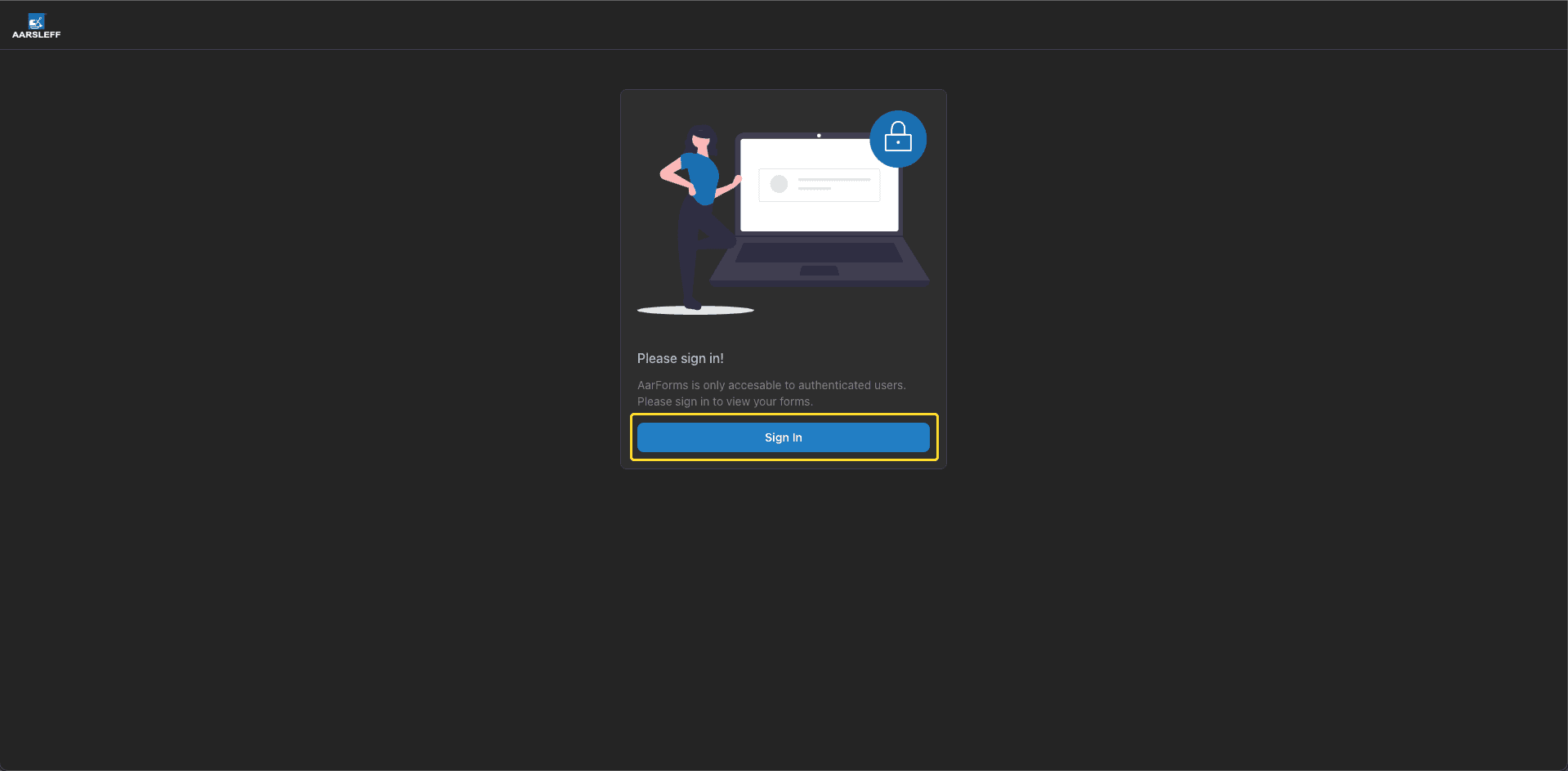
Following this, one of two things will happen:
- The page will breifly show a loading icon and then you will be signed in
- You will be redirected to a microsoft login page
If you are redirected to the microsoft login page, please enter your Aarsleff email address and password to sign in.
On subsequent visits to the app, it will remember your login details but you will have to press the Sign In button to enter the app.